
| new payment policy | |||||||||||||||||||||||||||||||||||||||||
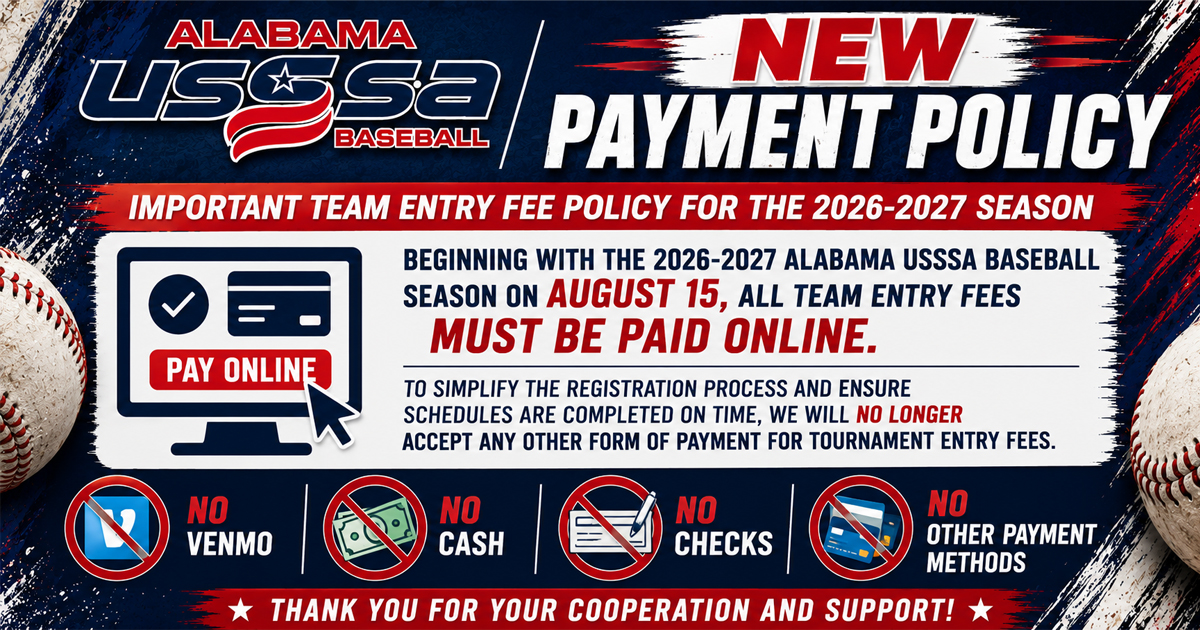
Important Team Entry Fee Policy for the 2026-2027 SeasonBeginning with the 2026-2027 Alabama USSSA Baseball season on August 15, all team entry fees must be paid online. To simplify the registration process and ensure schedules are completed on time, we will no longer accept any other form of payment for tournament entry fees. This includes:
|
|||||||||||||||||||||||||||||||||||||||||
| How to pay online | |||||||||||||||||||||||||||||||||||||||||
|
| new payment policy |
Important Team Entry Fee Policy for the 2026-2027 SeasonBeginning with the 2026-2027 Alabama USSSA Baseball season on August 15, all team entry fees must be paid online. To simplify the registration process and ensure schedules are completed on time, we will no longer accept any other form of payment for tournament entry fees. This includes:
|
Select your team
Choose your team from the list of teams.
Check your shopping cart
Scroll down and check your shopping cart. It is found on the lower left.
Remove items from cart, if needed
If there are entries in your cart that you don't want to pay for yet, simply click on the small X to remove the event from your cart - THIS DOES NOT REMOVE YOUR TEAM FROM THE EVENT
Add items to your cart
On the dashboard, click on View My Events/Make Payments. When the list of events loads, simply click on the blue "Add 2 Cart" to add it to your shopping cart.
Pay for your event
Scroll down to the shopping cart, and click on CHECKOUT. Follow the instructions there to make payment for your event.